
In case you haven’t discovered it yet. There have been additional improvements to the search feature in CRM including quick access to make your day more productive. When you first open the application please look to the right of the navigation bar. (See picture below)

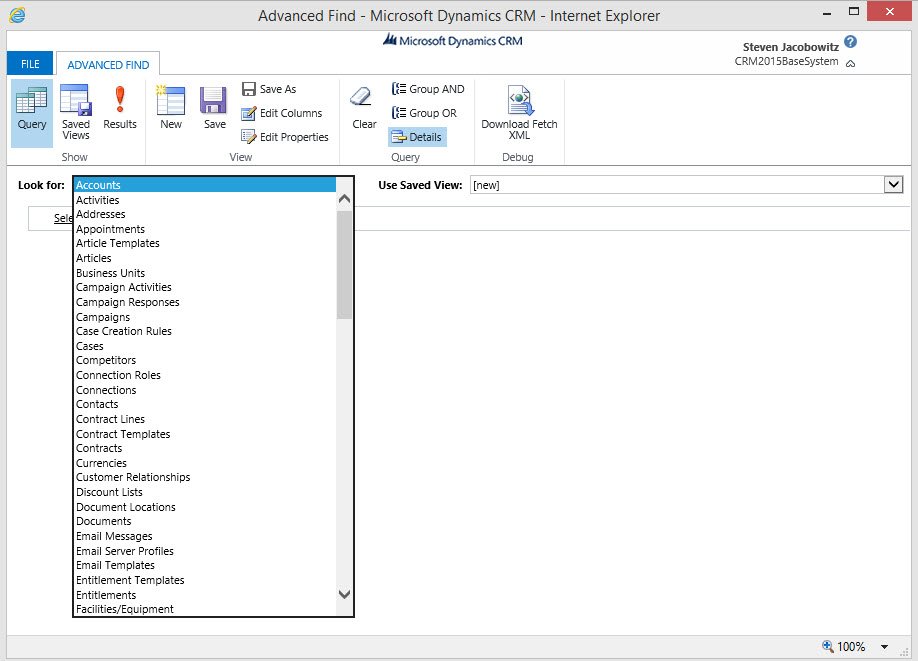
To do more sophisticated searches, click the new Advanced Find icon, which is now on the navigation bar. To only see matches for a certain type of record, on the search results page, you can select a filter from the drop-down list. Click a search result to open it, same features as in previous versions of MSCRM. ( See picture Below)
Improvements to quick search make it faster and easier to find customer records. Improved search capabilities provide a quick way to find and navigate to records by letting you enter keywords in the search box on the navigation bar. The search box supports using an asterisk (*) as a wildcard character, and allows the user to search across record types and get a full list of matching search results. (This is why I call it a Global Search). It will also allow pattern search, for example typing in a string of letters, the search feature will look for that specific pattern and render the results.
Lets take a look. Click on the magnified glass icon on the navigation bar above.

Type the string into the search box and click on the magnified glass to the right.
 As you can see from above the rendered results are quite impressive. Any found “and” will render in the results window. Hence “And”ersen. What will equally impressive is the ability to limit the results by entity found to the right of the search box.
Finally, for every entity rendered your users will have the ability to augment creation of a new record in the particular entity using the Quick Create Functionality.
Let’s put this feature into perspective. You take a call from a potential lead, you open the global search feature because you are not sure if this persons record is already in the database. You can accomplish the search in one location, and subsequently add the lead from the same window. Equally important if you find the lead from the results you only have to click on the reference from the above window to open the lead’s record.
Something this simple and useful can add to user’s productivity.
I hope you find this new feature useful.
Steven


 Steve's Site Innovation, Transformation, Change, Growth, Culture Building, Learning